macOS
For Apple desktop/laptop users. The app is currently unsigned/not notarized, so macOS may show a Gatekeeper warning.
Download for macOS
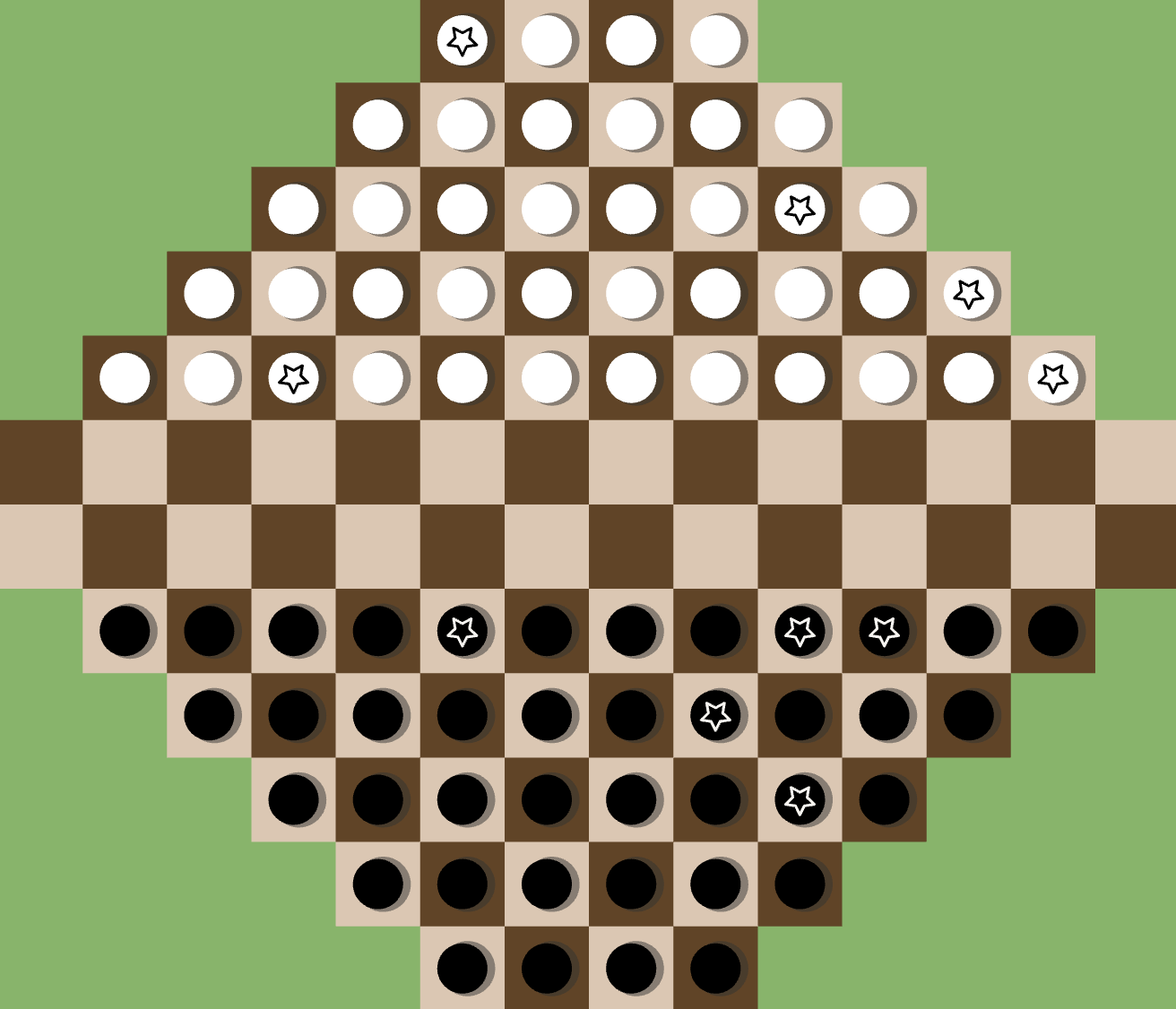
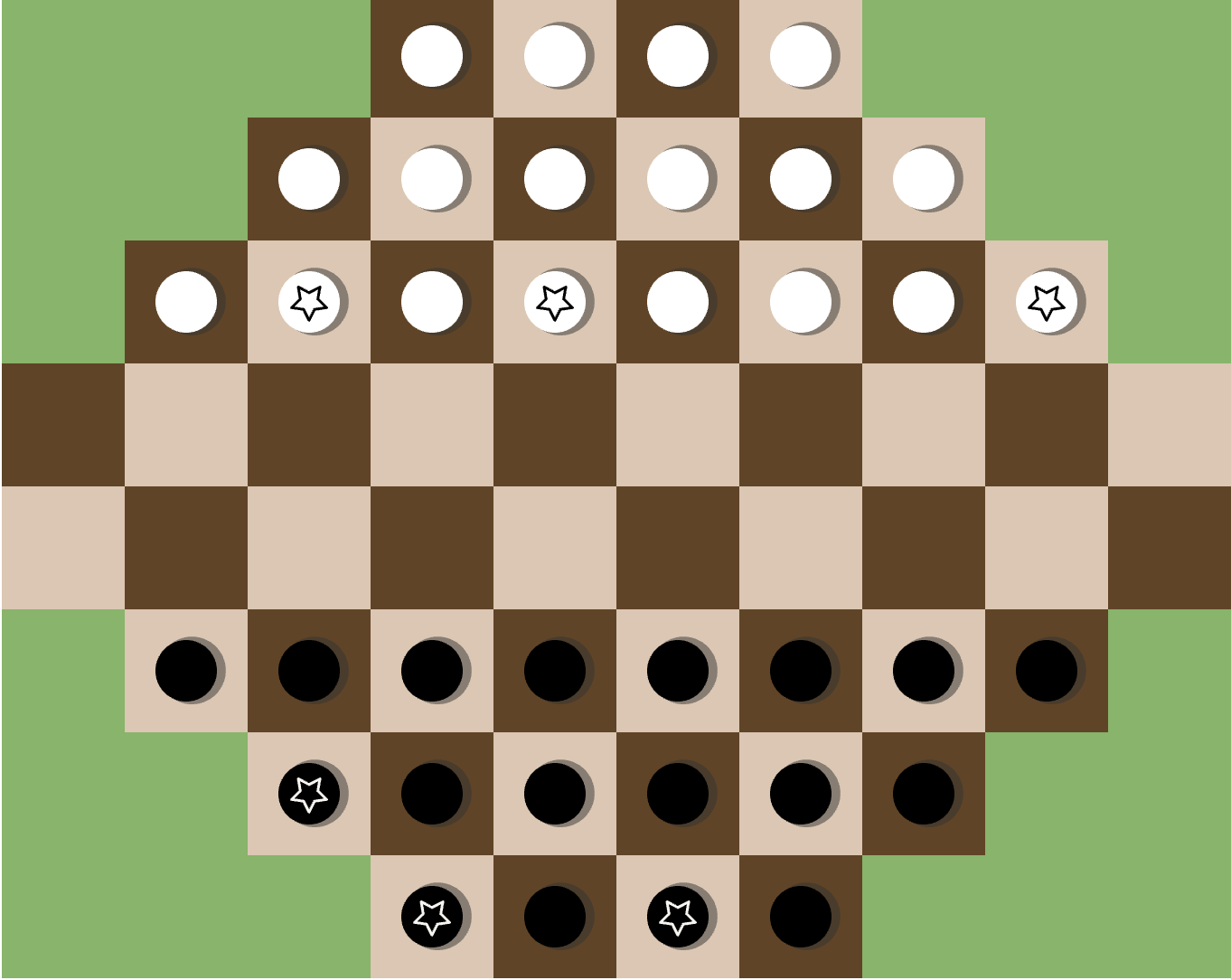
A desktop abstract strategy game where you move pieces across a shaped board, protect your stars, and challenge a trained AI opponent.
For Apple desktop/laptop users. The app is currently unsigned/not notarized, so macOS may show a Gatekeeper warning.
Download for macOSDownload the ZIP, fully extract it, then run DOTS.exe inside the extracted DOTS folder. The app is currently unsigned, so Windows SmartScreen may warn you.
DOTS is built around board position, forward movement, protected stars, and timing.
Play against a trained built-in AI with selectable difficulty levels.
Choose from several board sizes and learn the rules in the in-game tutorial.
macOS: unzip the download and open DOTS.app. Because this build is not notarized, macOS may require you to approve the app in Privacy & Security settings.
Windows: fully extract the ZIP before running. Do not run DOTS.exe from inside the ZIP preview.
Uninstall: delete the extracted app folder. DOTS stores only local app settings/achievement data on your computer.
macOS:1de39b03a4eb5eba6912b01d4ea2a0ea3d0c640199ca1f07eaad8d70b6f4c4ee
Windows x64:1d42a732478f00bf50751d1bad8aa700ef13d7a8a256aed3d28
DOTS is proprietary software. The public download contains compiled application files only. The private source code is not included and is not open source.
Third-party software components remain subject to their own license terms. See third-party notices, copyright notice, and EULA.